

Teams
Teams is bridge played in teams: two teams of two pairs each play the same boards at two tables. The pairs of a team sit in opposite directions, so the results of both teams can be compared board by board. The difference is counted in IMPs — the scoring unit that weighs large differences more heavily than small ones.
Teams is open to everyone: with a trial membership you can play as much as you like.
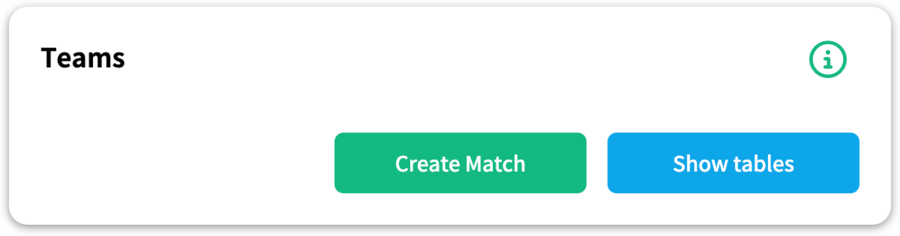
You will find Teams in the activity column on the right of the overview. Click it and you enter the Teams lobby.
Creating a match
A match is created by one of the participants or by a host who does not play. First agree with the other players on a time: everyone has to be present in the Teams activity to receive the invitation.
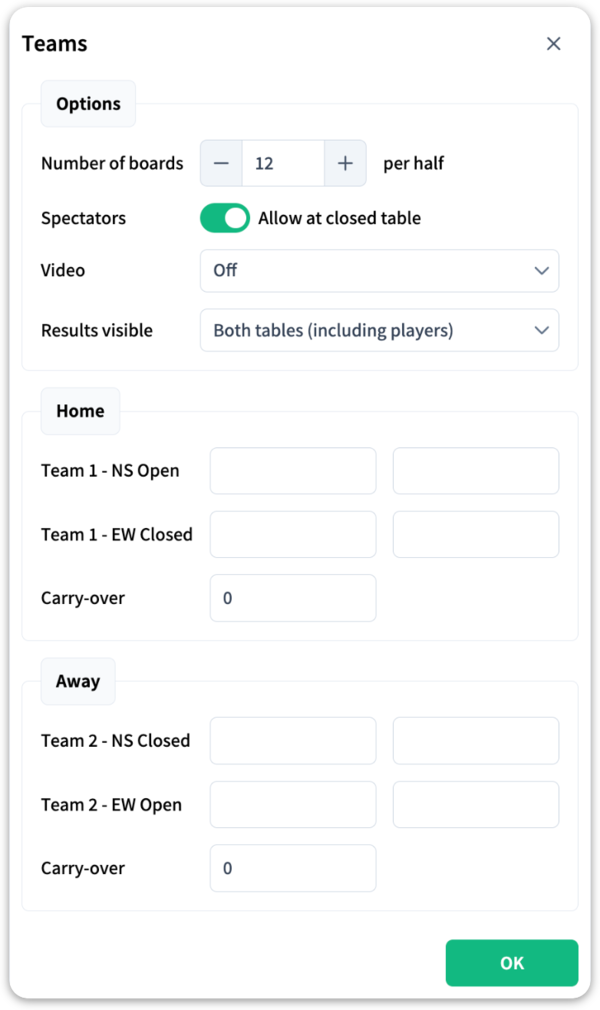
Open the window
In the Teams lobby, click Create Match.
The settings
Set the number of boards per half and decide whether spectators are allowed at the closed table. If you want to play with video, switch on the video option. Under Results visible you choose who sees the running score:
| Option | What you see |
|---|---|
| Both tables (including players) | As soon as a board has been played at both tables, everyone sees the IMP result straight away. |
| Both tables (spectators only) | The same, but only spectators see the running score. |
| Only own table | Nobody sees the running score. Choose this for serious matches: knowing the score can influence decisions. |
Enter the players
Enter the two pairs of each team: the home team plays North-South at the open table and East-West at the closed table, the away team the other way round. Only existing StepBridge player names are accepted. If a team has a lead from an earlier session, enter it as the carry-over.
Click OK
Every player present in the Teams activity now receives an invitation. Anyone who is not there yet receives the invitation on entering.
Joining
If you have been entered as a player, the invitation appears automatically as soon as you are in the Teams activity. Accept it and you are seated straight away in the right seat at the right table. The match starts automatically once all eight players are seated.
During play
Depending on the chosen setting, the results of both tables pass by as messages, with the IMP balance per board.
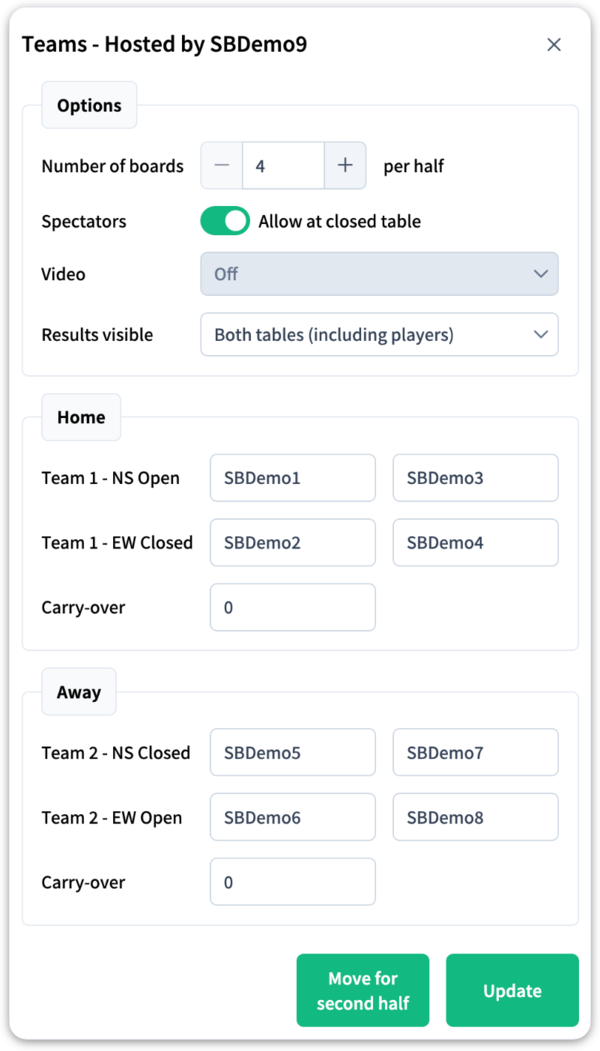
As host you can make adjustments during the match: open Match Setup (the button at the bottom right of the table) to change settings or replace a player.
The second half
After the last trick of the first half, the halfway score appears. If you want to play a second half, the host opens Match Setup and clicks Move for second half. Everyone is automatically moved to the right seat — the teams swap at the closed table, so both teams play all the boards — and the IMP balance of the first half automatically counts as the carry-over.
No need for a second half? Simply leave the table; the match is ended.
The result
Afterwards the result appears in IMPs and VPs (victory points) in the messages. All participants and spectators also receive the result by e-mail.
For the host
- You can host a match without playing yourself; you then watch as a spectator at the open table.
- If you leave Teams as the host, after a few minutes the players can manage the match themselves — for instance to start the second half. When you come back, you are the host again.